Google Business Profile Photos: 10 Mistakes That Could Cost You Customers
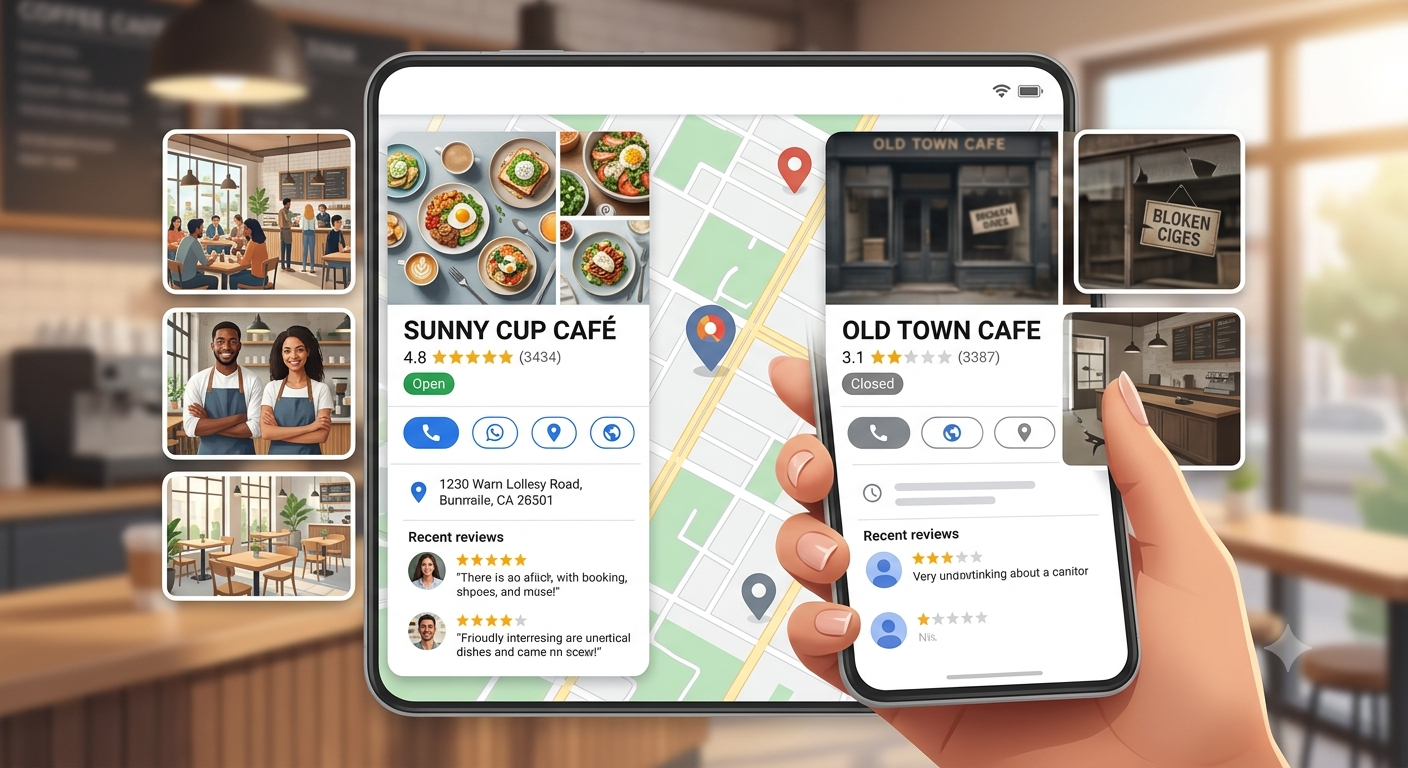
Why Your Business Photos Matter More Than You Think
People naturally trust what they can see.
Whether it's a restaurant, salon, clinic, gym, hotel, or retail shop, customers want to know what to expect before they visit. Clear, authentic photos help answer questions like:
- Is the place clean?
- Is it welcoming?
- Does it look professional?
- Does it match what I'm looking for?
Photos help reduce uncertainty—and that's often what turns a search into a visit.
Mistake #1: Uploading Only Your Logo
Your logo is important, but it shouldn't be the only image customers see.
Show people what makes your business unique:
- Your storefront
- Interior
- Products
- Team
- Services in action
People connect with real businesses, not just branding.
Mistake #2: Using Blurry or Poorly Lit Photos
Dark, grainy, or blurry images can unintentionally make even an excellent business appear unprofessional.
Simple improvements anyone can make
- Use natural daylight whenever possible.
- Clean your camera lens before taking photos.
- Hold the camera steady.
- Capture images in high resolution.
You don't need a professional camera—most modern smartphones are more than capable.
Mistake #3: Never Updating Your Photos
Many businesses upload photos once and never touch them again. Customers like seeing that a business is active.
Consider updating photos when you:
- Introduce new products
- Renovate your premises
- Decorate for festivals
- Launch new services
- Celebrate milestones
Fresh photos help keep your profile looking alive.
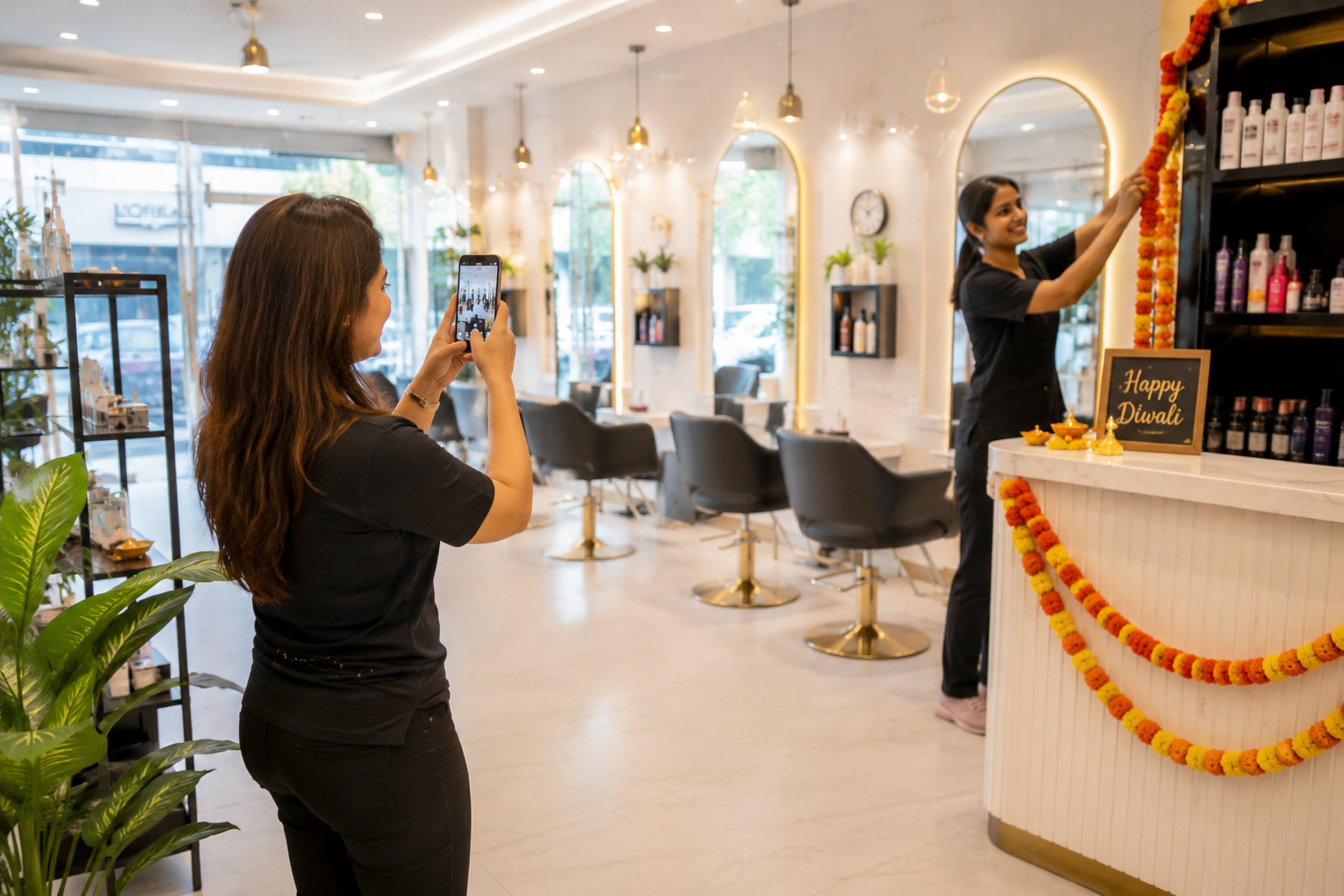
Mistake #4: Forgetting Your Team
Customers buy from people.
Introducing your team creates familiarity before someone even walks through the door.
Simple staff photos can make your business feel more welcoming and approachable.
Mistake #5: Ignoring Your Storefront
Your storefront helps customers recognise your location.
If someone can't easily identify your business from the street, they may assume they've reached the wrong place.
A clear exterior photo removes that confusion.
Mistake #6: Posting Only Products
Products matter—but context matters too.
Instead of showing only individual items, include photos of:
- Customers enjoying your services (with permission)
- Staff assisting customers
- Comfortable seating
- Ambience
- Clean facilities
These images help people imagine themselves visiting your business.
Mistake #7: Using Heavy Filters
Over-edited photos often create unrealistic expectations.
When customers arrive and reality doesn't match what they saw online, trust suffers.
Natural, honest photography usually performs much better than heavily edited images.
Mistake #8: Forgetting Seasonal Updates
Small updates throughout the year show that your business is active.
Examples include:
- Diwali decorations
- Christmas displays
- New Year offers
- Summer menu launches
- Festival specials
Seasonal photos also give returning customers something new to see.
Mistake #9: Not Showing What Makes You Different
Ask yourself: "What would customers remember about my business after visiting?"
Maybe it's:
- Handmade desserts
- Luxury interiors
- Friendly staff
- Premium equipment
- Family-friendly atmosphere
Highlight those unique qualities through your photos.
Mistake #10: Treating Photos as a One-Time Task
Your Google Business Profile isn't something you should update once and forget.
Just like your business changes over time, your profile should too.
Regular updates help present an accurate picture of your business and keep your profile engaging for future visitors.
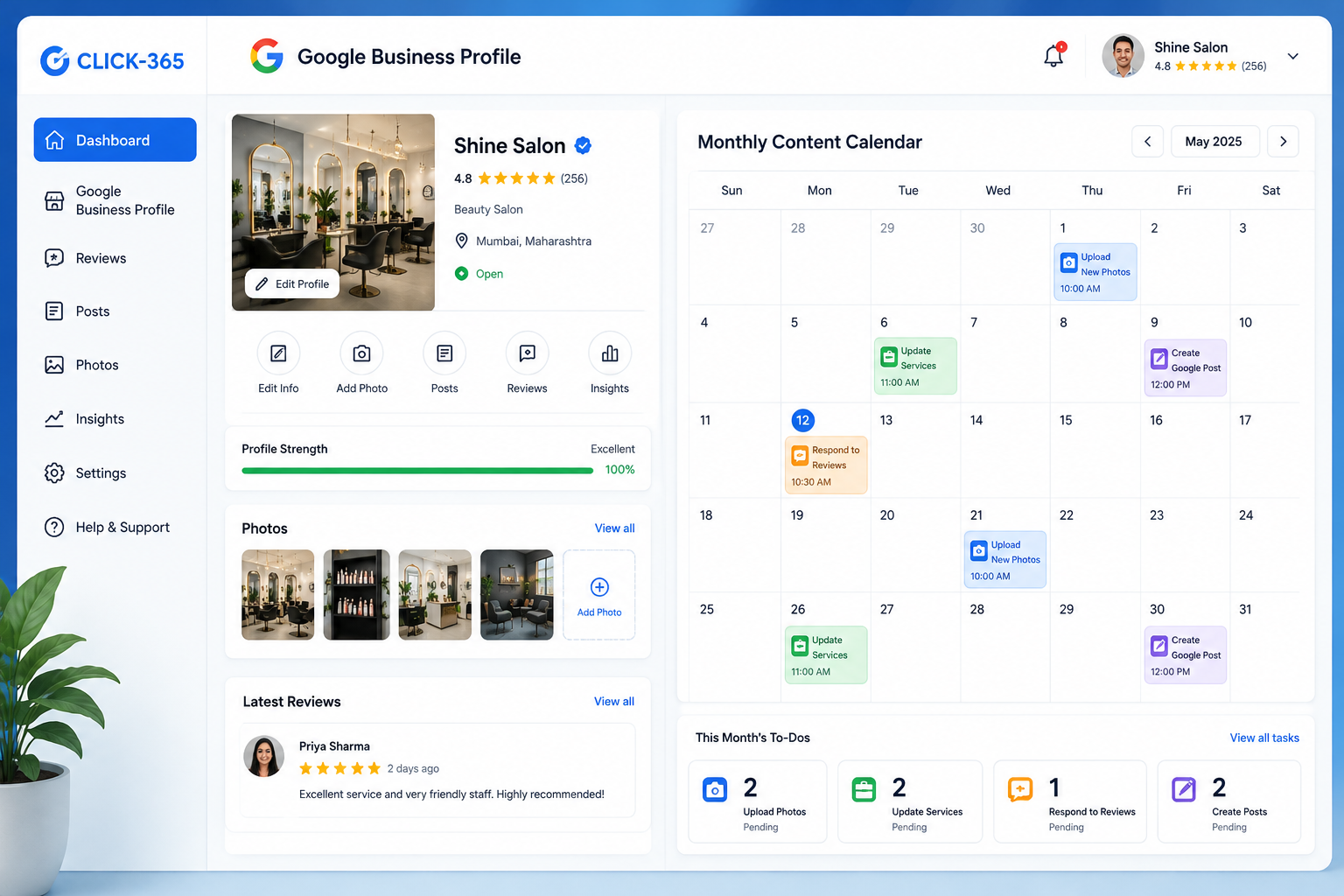
Keep Your Google Business Profile Looking Active
Uploading great photos is only one part of maintaining a strong Google Business Profile.
Keeping your business hours, services, photos, attributes, and profile information up to date helps customers find accurate information whenever they discover your business on Google.
CLICK-365 helps local businesses manage their Google Business Profile more consistently. It also provides AI-powered replies for every Google, Facebook, and private review, publishes weekly SEO articles as Google Posts, and helps turn customer reviews into SEO-focused website content—all while helping business owners spend less time on routine profile management.
Yes. CLICK-365 helps businesses manage their Google Business Profile by keeping important profile information updated, publishing weekly SEO content as Google Posts, and automatically responding to every Google, Facebook, and private review using AI.
It also provides a Smart QR Code and Smart Link that make it effortless for customers to leave a public Google review or share private feedback, helping you maintain a more active and engaging online presence with less manual effort.Conclusion
Your Google Business Profile photos tell a story long before a customer walks through your door. By avoiding these common mistakes and keeping your images fresh, authentic, and relevant, you can create a stronger first impression and give potential customers more confidence in choosing your business.
Ready to spend less time managing your Google Business Profile? Book a free CLICK-365 demo and see how our AI helps keep your profile active, engaging, and up to date.