How Restaurants Can Get More Customers with Google Business Profile: A Practical Guide
Owning a restaurant is about much more than serving great food.
Every day, you're managing staff, suppliers, inventory, customer service, hygiene, and dozens of other responsibilities. Marketing often becomes something you'll "get to later."
The problem is that your next customer is probably looking for a restaurant right now.
When someone searches for "best biryani near me," "family restaurant," "café near me," or "restaurants open now," your Google Business Profile is often the first thing they see.
A complete and active profile helps customers choose your restaurant before they even visit your website or social media page.
Let's look at practical ways to make your restaurant stand out.
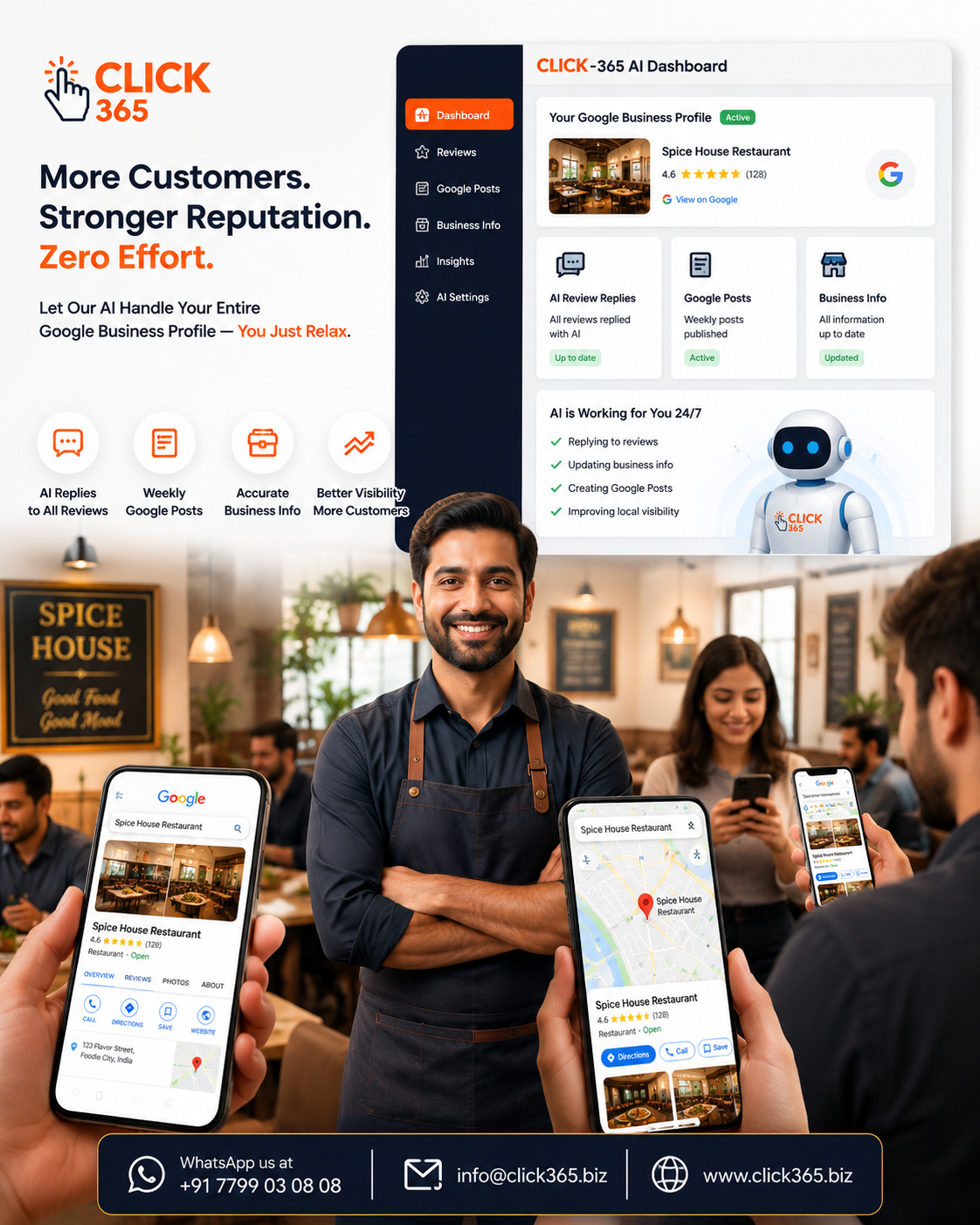
Why Google Business Profile Matters for Restaurants
Most diners make quick decisions.
Within a few minutes, they compare restaurants by looking at:
- Ratings and customer reviews
- Food photos
- Opening hours
- Location
- Menu information
- Recent updates
- Overall professionalism
If your profile is incomplete or outdated, many customers may simply move on to another restaurant.
A well-maintained profile helps create confidence before customers ever walk through your doors.
1: Keep Your Business Information Accurate
Imagine driving across town only to find a restaurant closed because its opening hours weren't updated.
That's frustrating—and many customers won't return.
Regularly check that your:
- Restaurant name
- Address
- Phone number
- Opening hours
- Holiday timings
- Website
- Services (Dine-in, Takeaway, Delivery)
are always accurate.
Small details make a big difference to customer experience.
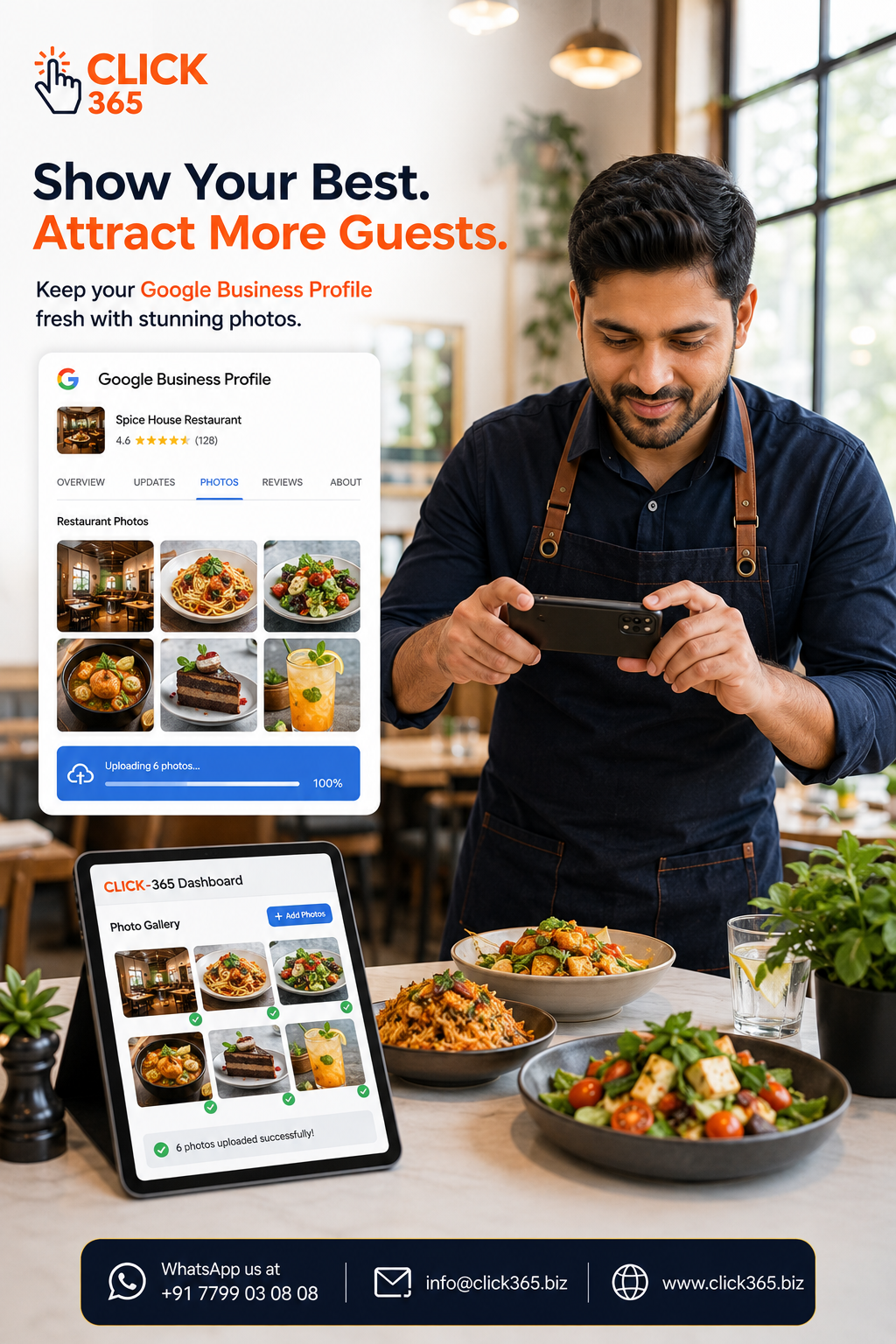
2: Upload Delicious, High-Quality Food Photos
People eat with their eyes first.
Bright, high-quality photos of your dishes can create excitement before customers even arrive.
Include photos of:
- Signature dishes
- Desserts
- Beverages
- Interior seating
- Outdoor dining (if available)
- Family dining areas
- Restaurant ambience
Avoid heavily edited or outdated images.
Customers appreciate seeing what they'll actually receive.
3: Encourage Genuine Customer Reviews
Reviews are one of the strongest trust signals for restaurants.
Happy customers often intend to leave a review—but many simply forget.
Make it easy.
Place a Smart QR Code near the billing counter, on takeaway packaging, or on table displays so customers can quickly scan and choose to leave a public Google review or send private feedback.
The easier you make the process, the more likely customers are to share their experience.
Most importantly, always encourage genuine feedback rather than asking for only positive reviews.
4: Reply to Every Review
Whether someone gives your restaurant five stars or shares constructive criticism, responding professionally shows that you value customer feedback.
Simple responses can make a lasting impression.
For positive reviews:
"Thank you for dining with us. We're delighted you enjoyed your experience and look forward to welcoming you again."
For constructive feedback:
"Thank you for sharing your experience. We appreciate your feedback and will use it to continue improving our service."
Professional responses build trust not only with the reviewer but also with future customers reading your profile.
5: Keep Your Restaurant Profile Active
Many restaurant owners update their Google Business Profile only when something changes.
Instead, think of your profile as a living part of your business.
Regular updates could include:
- Weekend specials
- Festival menus
- Seasonal dishes
- New chef recommendations
- Live music nights
- Family meal offers
- Holiday announcements
An active profile tells customers that your restaurant is open, engaged, and ready to welcome guests.
6: Showcase Your Restaurant's Atmosphere
Food matters—but atmosphere influences dining decisions too.
Many customers choose restaurants based on the overall experience they expect.
Include photos that highlight:
- Comfortable seating
- Clean interiors
- Friendly staff
- Outdoor dining areas
- Private dining spaces
- Family-friendly environment
- Modern décor
These images help customers picture themselves enjoying a meal at your restaurant.
7: Add Your Menu and Keep It Updated
One of the first things customers look for is your menu. If they can't find it easily—or if it's outdated—they may choose another restaurant instead.
Whenever possible, keep your menu current with:
- New dishes
- Seasonal specials
- Combo meals
- Beverage options
- Desserts
- Price updates (when applicable)
An accurate menu helps customers make faster decisions and reduces confusion before they visit.
8: Post Regular Updates
Your Google Business Profile isn't just a listing—it's a place to keep customers informed.
Sharing regular Google Posts helps show that your restaurant is active and engaged.
You can post about:
- Weekend offers
- Festival celebrations
- Limited-time dishes
- New menu launches
- Special events
- Holiday opening hours
- Chef's recommendations
Even one useful update every week helps keep your profile fresh.
9: Keep Business Hours Updated
Nothing frustrates customers more than arriving at a restaurant that's unexpectedly closed.
Whenever your timings change, update your profile promptly.
Don't forget to review your hours during:
- Public holidays
- Festivals
- Special events
- Renovations
- Private bookings
- Seasonal schedule changes
Accurate business hours build trust and help avoid disappointing potential customers.
10: Use Customer Feedback to Improve
Every review tells a story.
Instead of looking only at your star rating, pay attention to what customers repeatedly mention.
For example:
- Are customers praising a particular dish?
- Do several reviews mention slow service during peak hours?
- Are families complimenting your atmosphere?
- Is parking becoming a common concern?
Patterns like these can help you identify both your strengths and areas for improvement.
Listening to your customers is one of the best ways to grow your restaurant.
Common Mistakes Restaurants Should Avoid
Even excellent restaurants sometimes overlook simple details on their Google Business Profile.
Try to avoid these common mistakes:
- Leaving outdated opening hours on your profile.
- Uploading low-quality or old food photos.
- Ignoring customer reviews.
- Posting only once every few months.
- Forgetting to update holiday schedules.
- Providing incomplete business information.
- Treating your Google Business Profile as a one-time setup instead of an ongoing marketing asset.
Small improvements in these areas can significantly enhance your online presence over time.
Frequently Asked Questions
How often should a restaurant update its Google Business Profile?
It's a good idea to review your profile regularly and update it whenever your menu, opening hours, services, or promotions change. Posting fresh content consistently also helps keep your profile active.
What type of photos work best for restaurants?
High-quality images of your signature dishes, restaurant interiors, team, ambience, and dining experience usually make the strongest impression on potential customers.
Should restaurants reply to every Google review?
Yes. Responding professionally to both positive and constructive reviews shows customers that you value their feedback and care about their experience.
Can Google Business Profile help attract more local customers?
A complete and active Google Business Profile makes it easier for nearby customers to discover your restaurant, learn about your services, and decide whether to visit.
What's the easiest way to encourage customers to leave reviews?
Make the process simple by placing a Smart QR Code at your billing counter, takeaway counter, or on receipts. Customers can quickly scan it to leave a public Google review or send private feedback.
Can CLICK-365 manage my my restaurant's Google Business Profile?
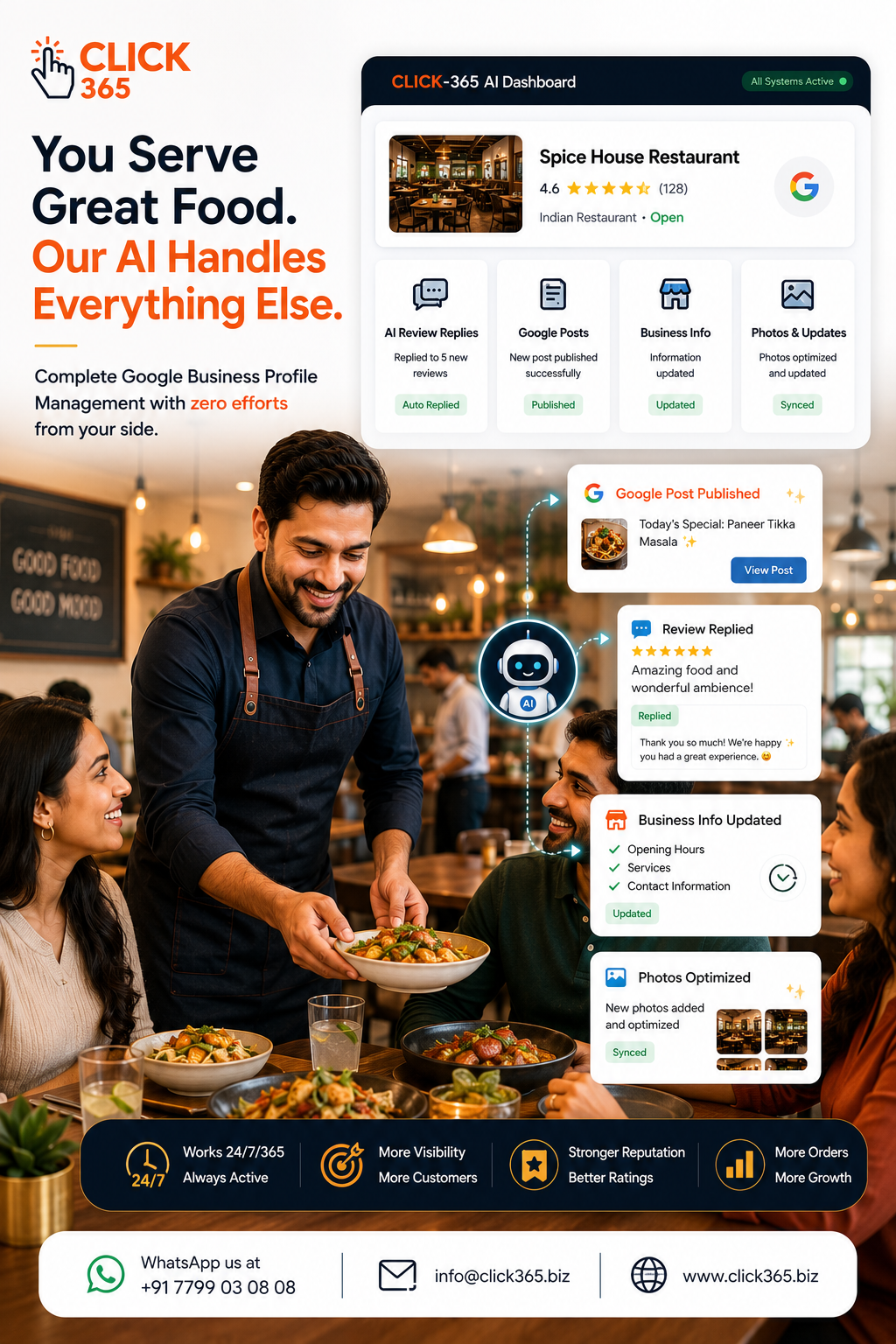
Yes. CLICK-365 helps restaurants manage their Google Business Profile with AI-powered review replies, regular Google Posts, profile management, and Smart QR Codes and Smart Links that make it effortless for customers to leave a public Google review or send private feedback. It also turns selected customer reviews into engaging social media posts, helping restaurants maintain a strong and active online presence with minimal effort.
Conclusion
Your food may bring customers through the door the first time, but your online presence often determines whether they choose your restaurant in the first place. An accurate, active, and engaging Google Business Profile builds trust, improves visibility, and helps more hungry customers discover your restaurant. Small, consistent updates today can lead to more tables filled tomorrow.