Why Your Business Isn't Showing Up on Google Maps (And How to Fix It)
A customer searches for "best salon near me," "family restaurant," "dentist nearby," or "gym near me."
Your business should appear.
Instead, they see your competitors.
This is one of the most common frustrations among local business owners. They know they have a Google Business Profile, yet they struggle to appear when nearby customers search for the services they offer.
The good news is that being invisible on Google Maps usually has identifiable causes—and many of them can be fixed.
Let's look at the most common reasons.
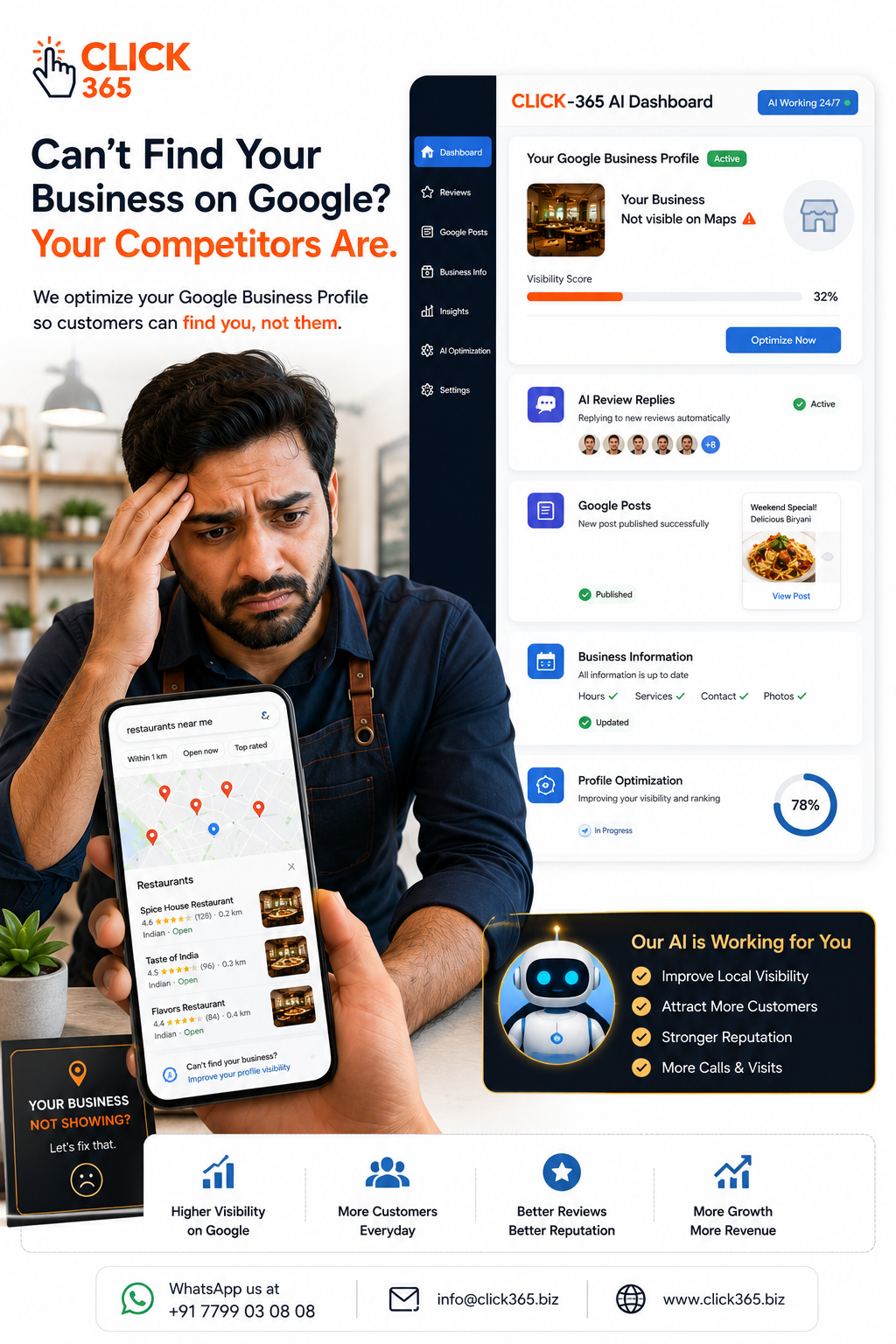
Why Google Maps Visibility Matters
For most local businesses, Google Maps isn't just a navigation tool.
It's where customers:
- Discover nearby businesses
- Compare ratings and reviews
- View photos
- Check opening hours
- Call businesses directly
- Request directions
- Decide where to spend their money
If your business isn't appearing when customers search locally, you're missing valuable opportunities every day.
1: Your Google Business Profile Isn't Fully Completed
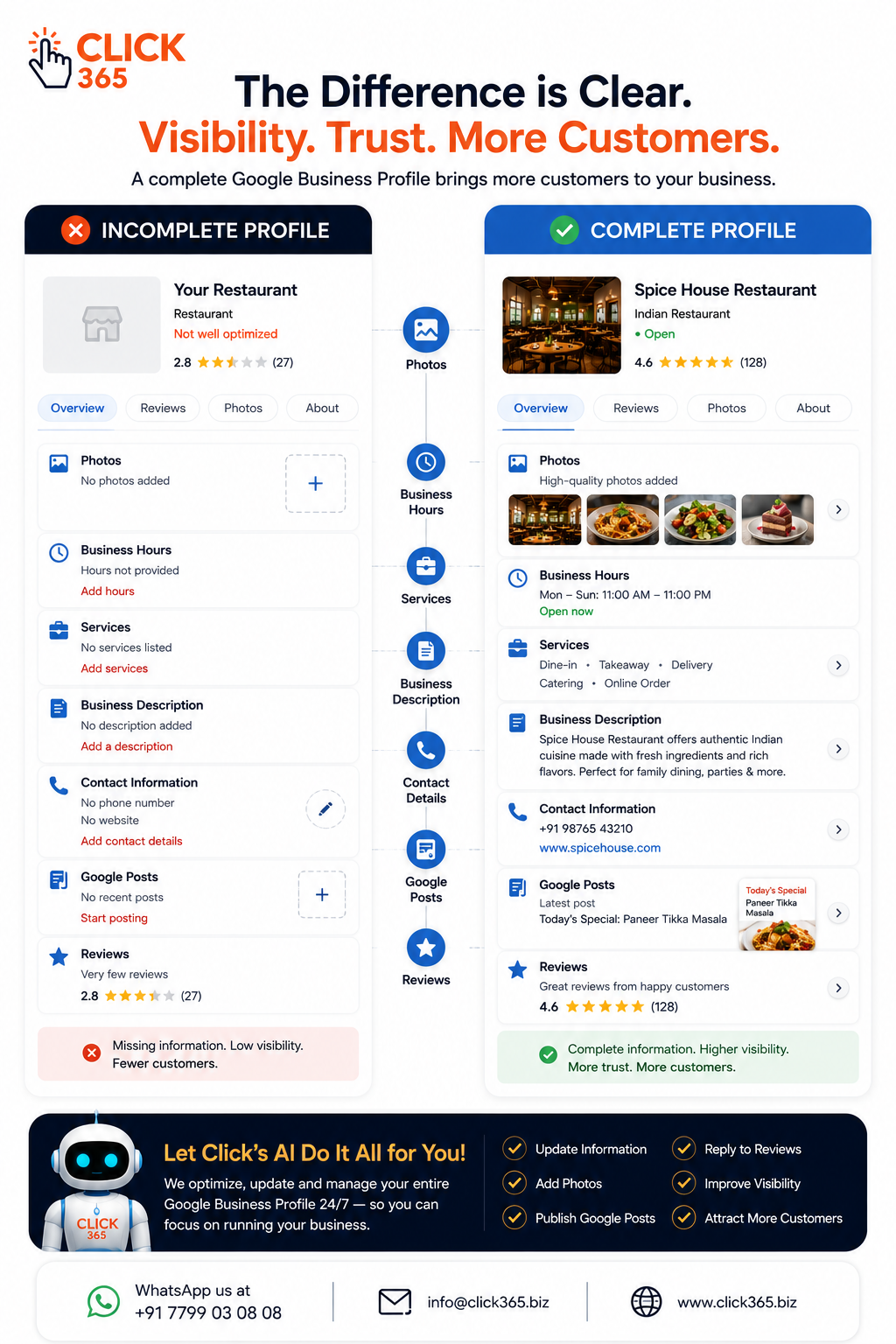
One of the biggest reasons businesses struggle to appear on Google Maps is an incomplete profile.
Many owners create their profile but never finish setting it up.
Review whether you've completed:
- Business name
- Address
- Phone number
- Business category
- Business description
- Opening hours
- Services
- Website
- Photos
A complete profile helps Google better understand your business and provides customers with useful information.
2: Your Business Information Isn't Consistent
Imagine your business address is written differently across various online platforms.
Perhaps your Google Business Profile shows one phone number while your website displays another.
These inconsistencies make it harder for search engines to confidently understand your business information.
Keep your business details consistent wherever your business appears online.
Accuracy builds trust—not only with customers but also with search engines.
3: Your Business Category Isn't Specific Enough
Your primary business category tells Google what your business does.
Choosing the wrong category—or one that's too broad—can reduce your visibility for relevant searches.
For example:
- Instead of simply choosing "Restaurant," a business might qualify for a more specific category depending on its primary offering.
- A beauty business should select the category that best reflects its main services rather than a generic option.
Choose the category that most accurately represents your primary business activity.
4: Your Profile Has Become Inactive
Google prefers showing businesses that appear active and well maintained.
An inactive profile often shows signs such as:
- Old photos
- No recent Google Posts
- Unanswered reviews
- Outdated opening hours
- Missing business information
Keeping your profile updated sends positive signals that your business is operating and engaged with customers.
5: You're Not Responding to Customer Reviews
Reviews don't just influence customer trust—they also show that your business is active.
When customers leave feedback and receive thoughtful replies, it demonstrates that the business values customer experiences.
Whether the review is positive or constructive, responding professionally helps create a stronger impression for future customers while keeping your profile active.
6: Your Photos Are Outdated
Customers often compare businesses visually before making a decision.
If your latest photos are several years old, potential customers may assume your business is inactive or no longer reflects the quality they expect.
Regularly upload fresh images of:
- Your business
- Products or services
- Team members
- Interior and exterior
- Recent updates
Fresh visuals help customers feel more confident about visiting your business.
7: Your Business Doesn't Have Enough Recent Customer Reviews
Customer reviews are one of the strongest trust signals on Google.
It's not just about having a high rating—it's also about showing that customers continue to visit your business today.
A steady stream of genuine, recent reviews tells both Google and potential customers that your business is active and delivering positive experiences.
Make it easy for customers to leave feedback by placing a Smart QR Code at your reception, billing counter, or checkout area, or by sharing your Smart Link after a completed service.
Remember, always encourage honest feedback—never try to influence what customers should say.
8: You're Not Publishing Regular Google Posts
Many businesses don't realise that Google Business Profile allows you to publish updates.
Regular Google Posts can help you showcase:
- New products or services
- Special offers
- Festival promotions
- Upcoming events
- Business announcements
- Seasonal updates
An active profile gives customers more reasons to engage with your business and demonstrates that you're open and operating.
9: Your Business Information Is Outdated
Even small inaccuracies can confuse potential customers.
If your phone number, business hours, services, or address have changed, update them as soon as possible.
Don't forget to review your profile whenever you:
- Change business timings
- Introduce new services
- Relocate
- Launch a second location
- Update your website
An accurate profile improves customer confidence and reduces missed opportunities.
10: You're Expecting Instant Results
Many business owners update their profile once and expect immediate improvements.
Local visibility doesn't usually change overnight.
Building a strong Google Maps presence takes consistent effort over time.
Keep focusing on:
- Accurate information
- Fresh photos
- Genuine customer reviews
- Professional review replies
- Regular Google Posts
- An active, well-maintained profile
Small improvements made consistently often lead to better long-term results.
A Simple Google Maps Visibility Checklist
✅ Is my Google Business Profile complete?
✅ Are my business hours accurate?
✅ Have I uploaded recent photos?
✅ Am I responding to customer reviews?
✅ Am I publishing regular Google Posts?
✅ Is my business information consistent everywhere online?
✅ Have I updated my services and business description recently?
If you answered "No" to any of these, you've found a good place to start.
Frequently Asked Questions
Why isn't my business appearing on Google Maps?
Common reasons include an incomplete Google Business Profile, outdated business information, inactive profile management, incorrect business categories, or a lack of recent updates and customer engagement.
How long does it take to improve Google Maps visibility?
There's no fixed timeline. Improvements depend on factors such as profile completeness, regular updates, customer reviews, and ongoing profile management. Consistency is more important than quick fixes.
Do Google reviews help my business appear on Google Maps?
Customer reviews help build trust and show that your business is active. Combined with a well-maintained profile, they contribute to a stronger online presence.
How often should I update my Google Business Profile?
Review your profile regularly and update it whenever your business information changes. Publishing fresh Google Posts and uploading new photos consistently also helps keep your profile active.
Can small businesses improve their Google Maps visibility without a large marketing budget?
Yes. Keeping your profile accurate, encouraging genuine customer reviews, responding professionally, uploading quality photos, and maintaining an active profile are practical steps that don't require a large advertising budget.
Can CLICK-365 help improve my Google Business Profile?
Yes. CLICK-365 helps businesses maintain an active Google Business Profile by automatically replying to reviews using AI, publishing regular Google Posts, managing important profile information, and providing Smart QR Codes and Smart Links that make it effortless for customers to leave a public Google review or send private feedback. It also turns selected customer reviews into engaging social media posts, helping businesses strengthen their online presence with minimal manual effort.
Conclusion
Appearing on Google Maps isn't about finding a secret shortcut—it's about consistently maintaining a complete, accurate, and active Google Business Profile. Every update, every review reply, and every fresh photo helps build trust with both Google and your potential customers. The businesses that stay active are often the ones customers discover first.